

Search the lot
Use a model, stock number or VIN. Source freshness, pricing warnings and unknowns stay explicit.
LOTTRAIL · BUILT FOR THE SALES FLOOR
Two focused jobs: prepare a Marketplace draft from approved vehicle details and photos, then turn the deal inputs into a clear purchase estimate.
Workspace access is in closed beta. The public calculator works without sign-in.Draft preparation and publication are separate. You publish manually.
01 / VEHICLE TO MARKETPLACE
Search source-checked dealership inventory, check its price, then move into preparation. Trail Buddy handles supported dealer pages and Facebook’s form in desktop Chrome. Preparation stays in Trail Buddy until it is ready. Adjust options if needed, then choose Post to Marketplace to open Facebook for your final check and publication.
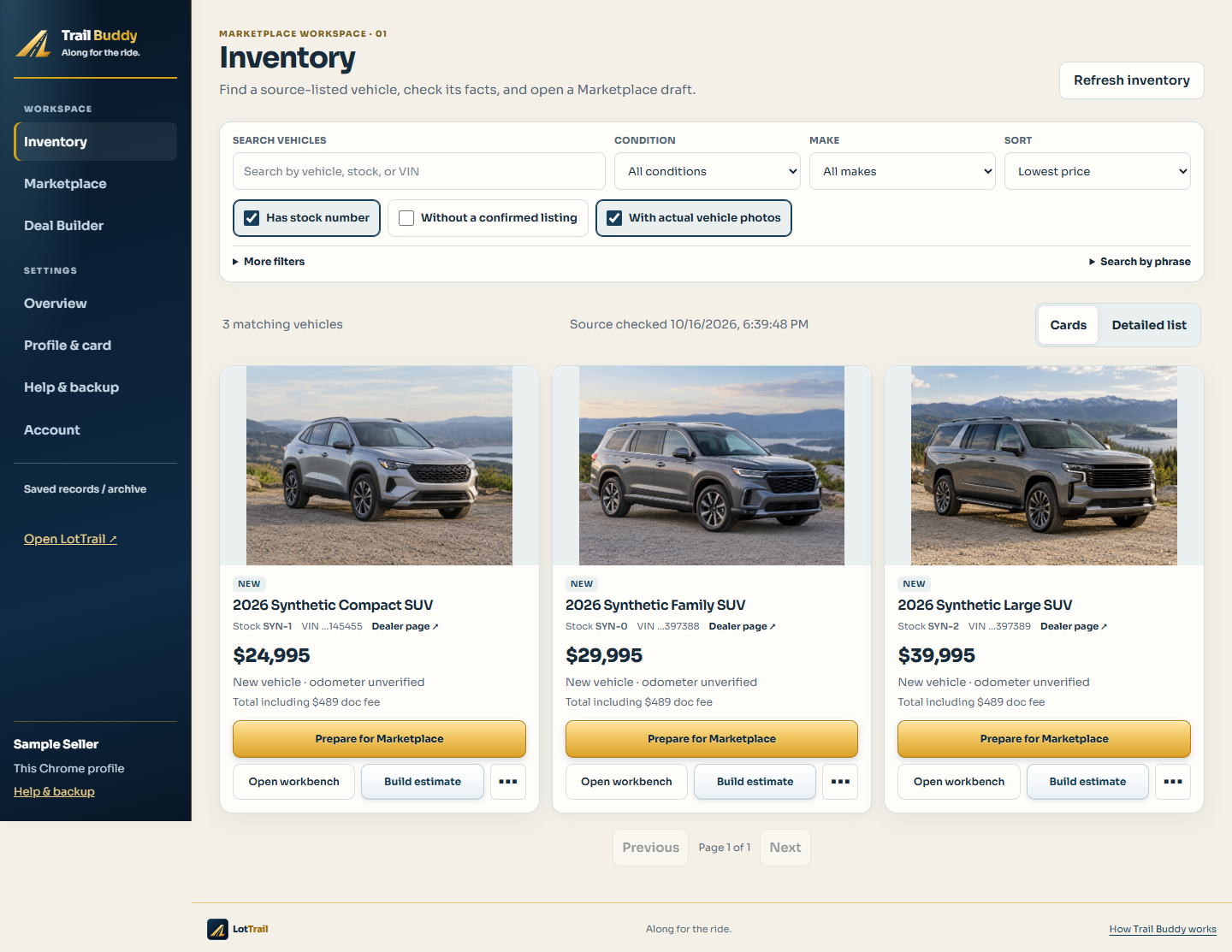
Use a model, stock number or VIN. Source freshness, pricing warnings and unknowns stay explicit.
Carry supported facts and selected vehicle photos into a draft. Local customization is there when you need it.
See which fields were prepared. Facebook content and final publication remain under your control.
02 / VEHICLE TO ESTIMATE
Enter a selling price, then add cash down, trade, payoff, fees, tax and rate. Compare terms and print a purchase estimate without creating a customer record first.
Estimates are working figures, not a lender approval or final purchase agreement.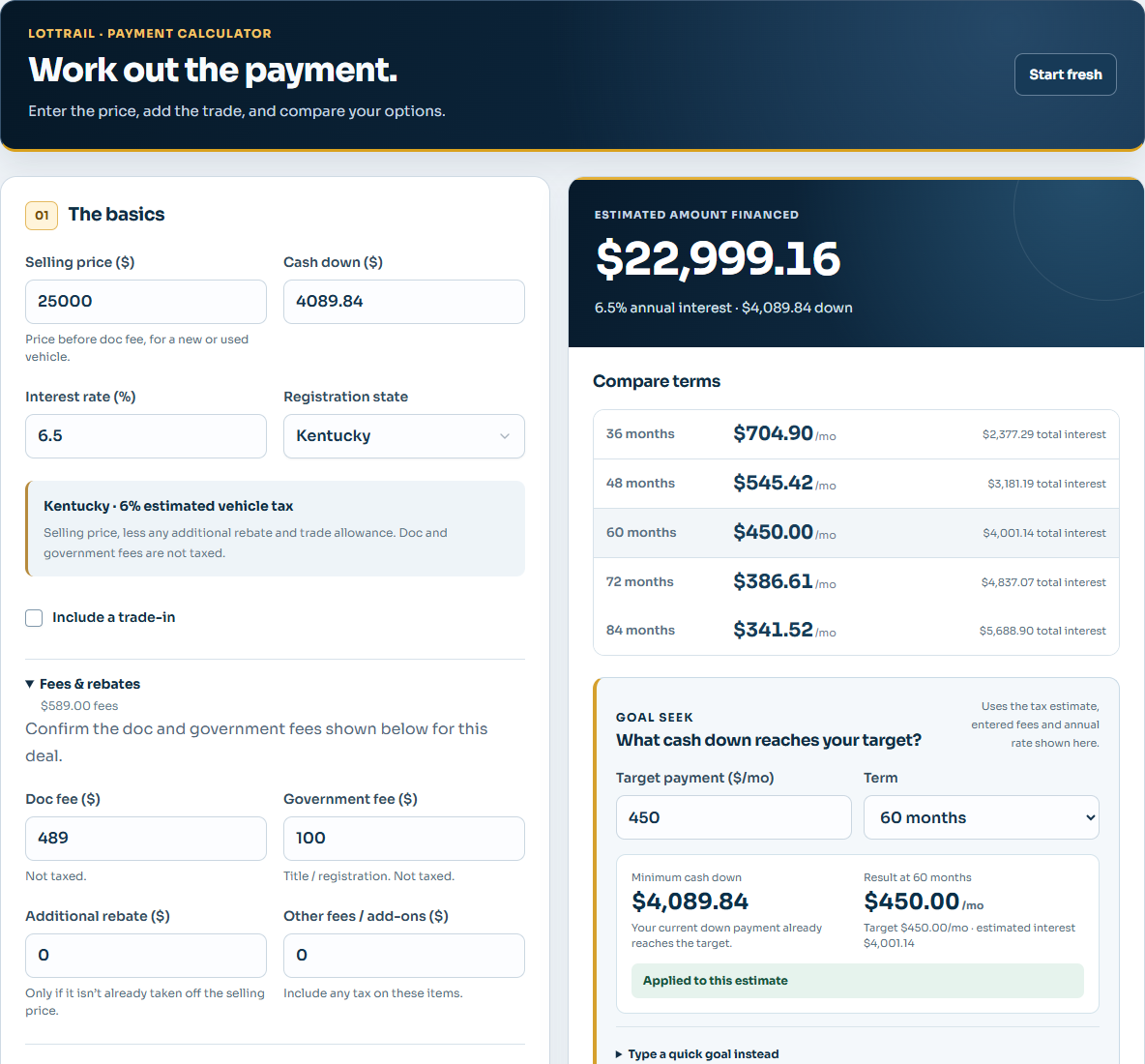
BUILT AROUND REAL WORK
LotTrail centers on two useful jobs: preparing Marketplace listings from approved vehicle information and building clear purchase estimates. The connected workspace is currently in private owner testing.
A saved draft is not a published listing. A source listing is not a guaranteed on-lot vehicle. A payment estimate is not a credit decision.
Privacy and data